

In this article, you will learn all about the ten functions related to “Math”. To be precise, we will discuss the following functions:
Add
Add two values together

Select two elements that you want to add, or add a specified number to a single element
Ceiling
Round a specified element up to an integer
Select an element that you want to round up to an integer

Divide
Divide the numerator value by the denominator

numerator:
denominator:
format:
Connect “numerator” with the element that represents the top part of the fraction.
Connect “denominator” with the element that represents the bottom part of the fraction.
Optionally, specify a standard numeric format string (e.g., E02) that can be used to format the result of the division. (Default = null)
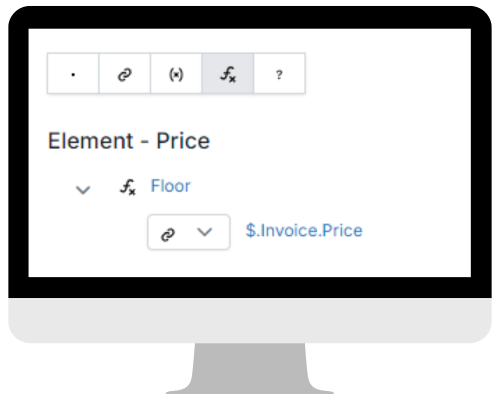
Floor
Round a specified element down to an integer
Select an element that you want to round down to an integer
Format Number
Change the format of a given number
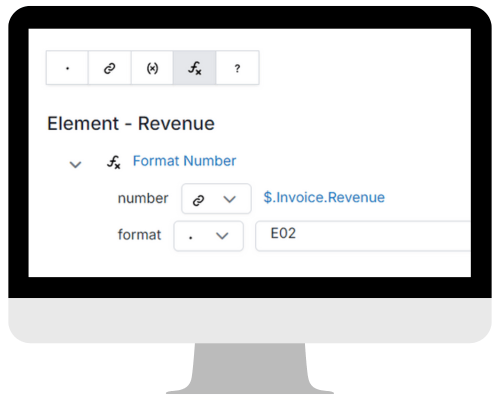
number:
format:
link to the element you want to format
Specify a standard numeric format string (e.g., E02).
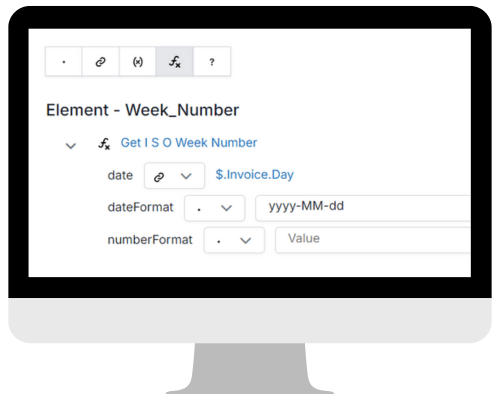
Get I S O Week Number
Get the ISO Week Number of a specific date
date:
dateFormat:
numberFormat:
Connect “date” with the element in your Source Schema that represents the date
Specify the format in which your date is structured, for example, yyyy-MM-dd
If you prefer a fixed number of digits, enter as many zeroes as your preference. (Default = week number without zeroes)
Make Negative
Convert a value to its negative counterpart
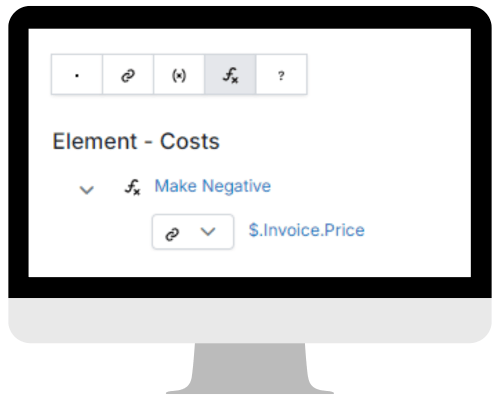
Connect to the element which you want to convert to a negative number
Multiply
Multiply values to obtain the product
Select the elements that you want to multiply, or multiply a specified number with an element

Round
Round a value to the nearest specified number of decimal places
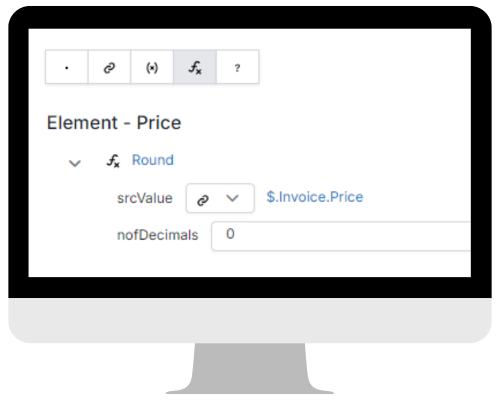
srcValue
nofDecimals
Connect “srcValue” with the element you want to round
Specify the number of decimal places
Subtract
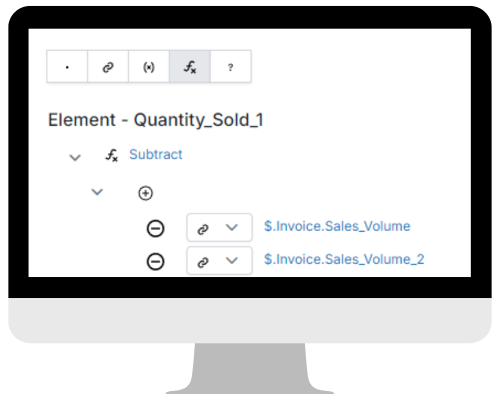
Subtract one value from another value
Select two elements that you want to subtract from each other, or subtract a specified number from a single element
 XMap
XMap 
Leave a comment